Console Guides
Backups
Backups creates on-demand snapshots of a project's collections and, optionally, its stored files. Snapshots run synchronously against object storage - there's no separate worker to wait on, and no automatic schedule beyond what your plan's retention allows.
Find it
Backups is in the sidebar under the Operations group.
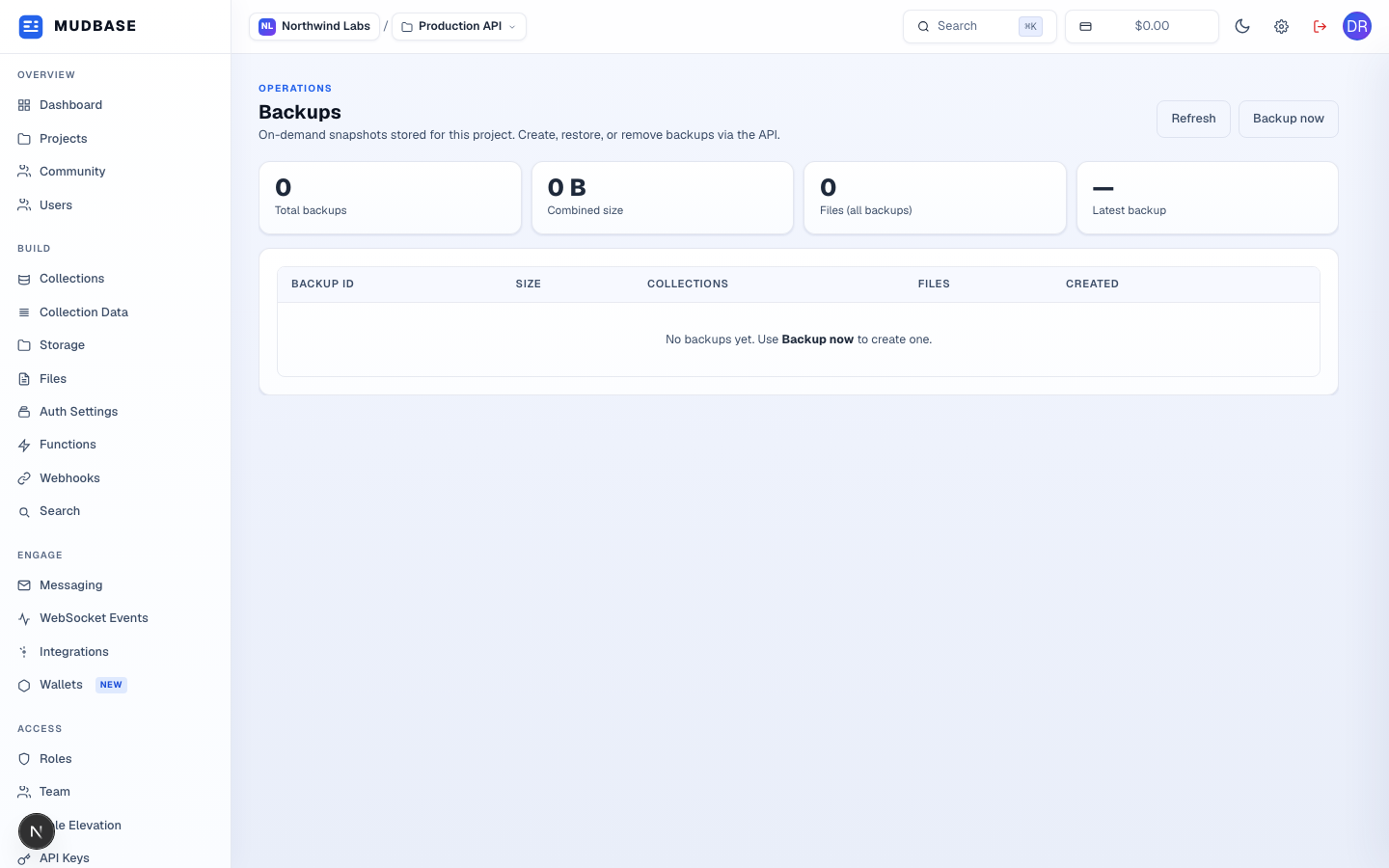
- Re-fetches the backup list - useful right after creating or deleting one.
- Opens the create-backup dialog, where you choose whether to include stored files alongside collection data. The backup runs immediately and blocks concurrent backup requests for the same project until it finishes.
- Total backup count, their combined size, total files across all backups, and when the most recent one completed.
- Each row shows a shortened backup ID (hover for the full ID), size, collection and file counts, and creation time, with Restore and Delete actions. A new project with none yet shows the empty state you see here.
Warning
Restore replaces the project's current collection data (and files, if included in that backup) with the snapshot's contents. There's no partial or merge restore - confirm you're restoring the right backup ID before proceeding.