Console Guides
Users
Users lists the end users signed up inside the current project - the people your app authenticates, not your own team members.
Find it
Users is in the sidebar under the Overview group.
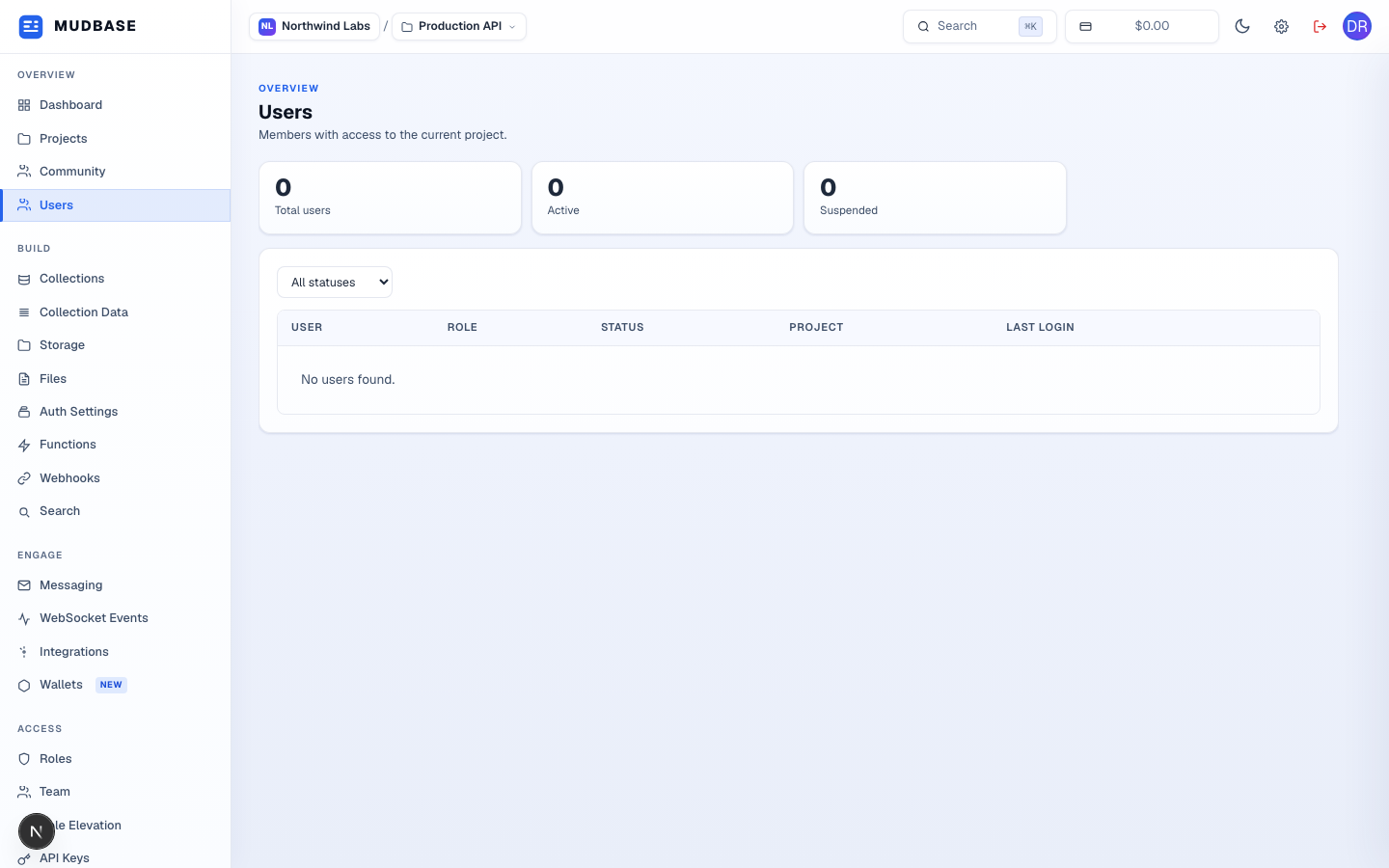
- The three stat cards show Total users, currently Active, and Suspended - counted for whichever project is selected in the top switcher.
- Use the All statuses dropdown to narrow the table to just Active, Pending, or Suspended users.
Reading the table
Once your project has real sign-ups, each row shows the user's identity, their role, current status, which project they belong to, and their last login time. Click a row to open that user's detail view - from there you can suspend, reinstate, or remove access.
Note
This page is scoped to end users of your app (rows created through your project's own sign-up flow, or added by your API). Your own console teammates live under Team instead - they're a separate list with separate roles.