Console Guides
Collections (Database)
Collections are where your app's documents live - the console's equivalent of database tables. This page covers creating one and running your first query.
Find it
Collections is in the sidebar under the Build group.
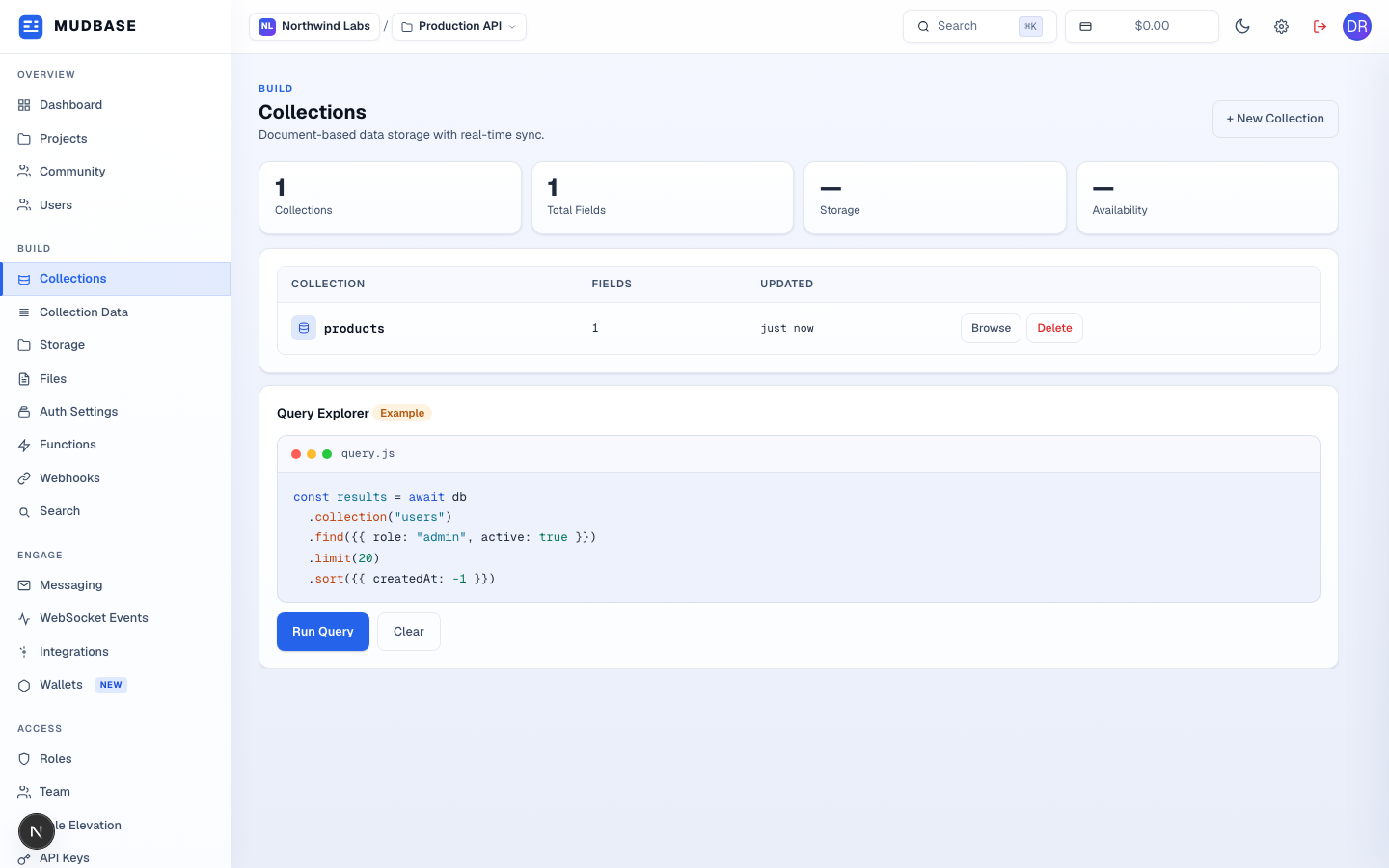
- Click + New Collection in the top-right corner.
Name it and define its fields
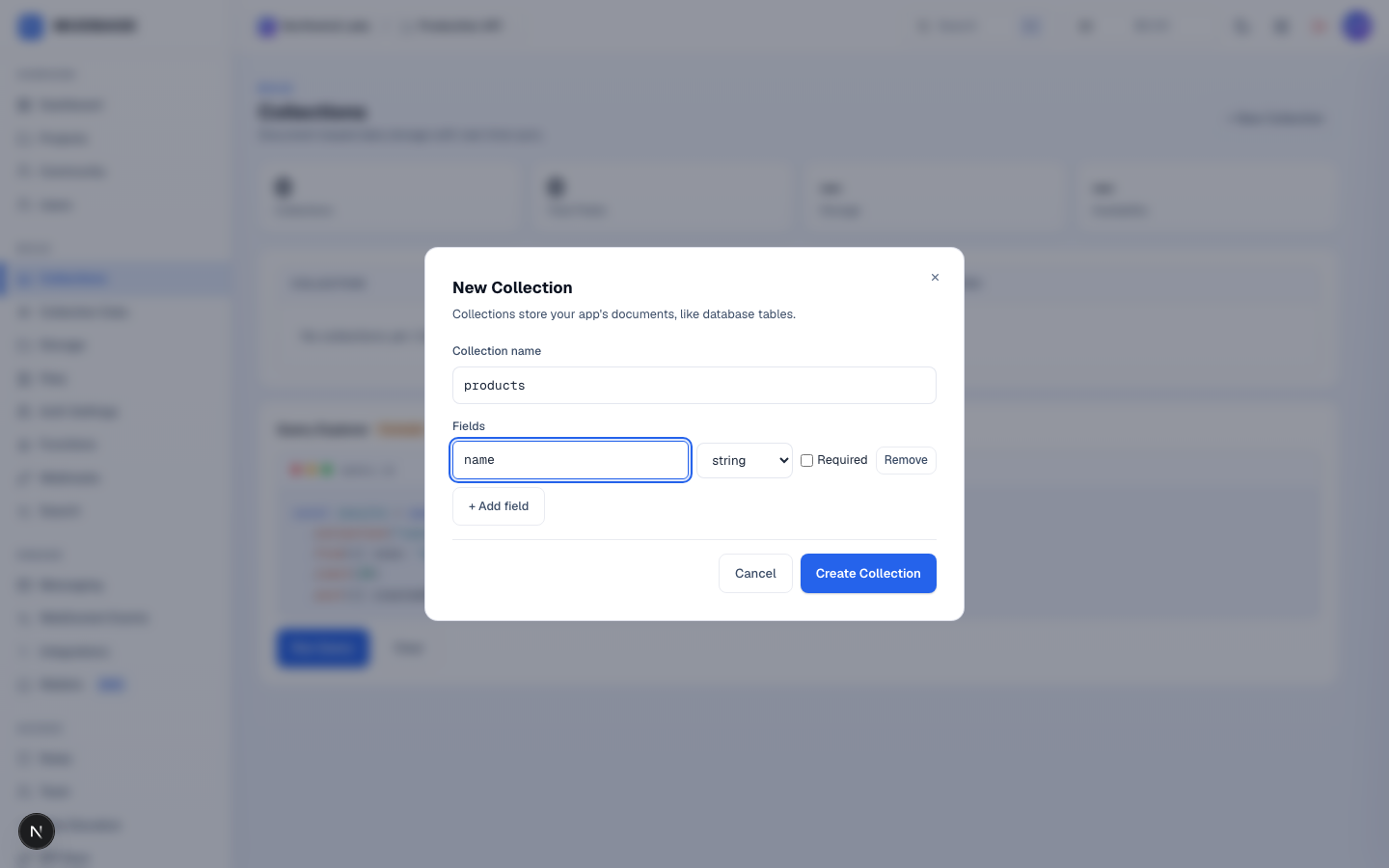
- Name the collection after what it stores, in plural form -
products,orders,reviews. - Add a field name and pick its type from the dropdown next to it (
string,number,boolean, and so on). Tick Required if every document must have it. - Click + Add field to define more fields - a collection can start with just one and grow later; you don't need the full schema up front.
- Click Create Collection when the fields look right.
Browse and query
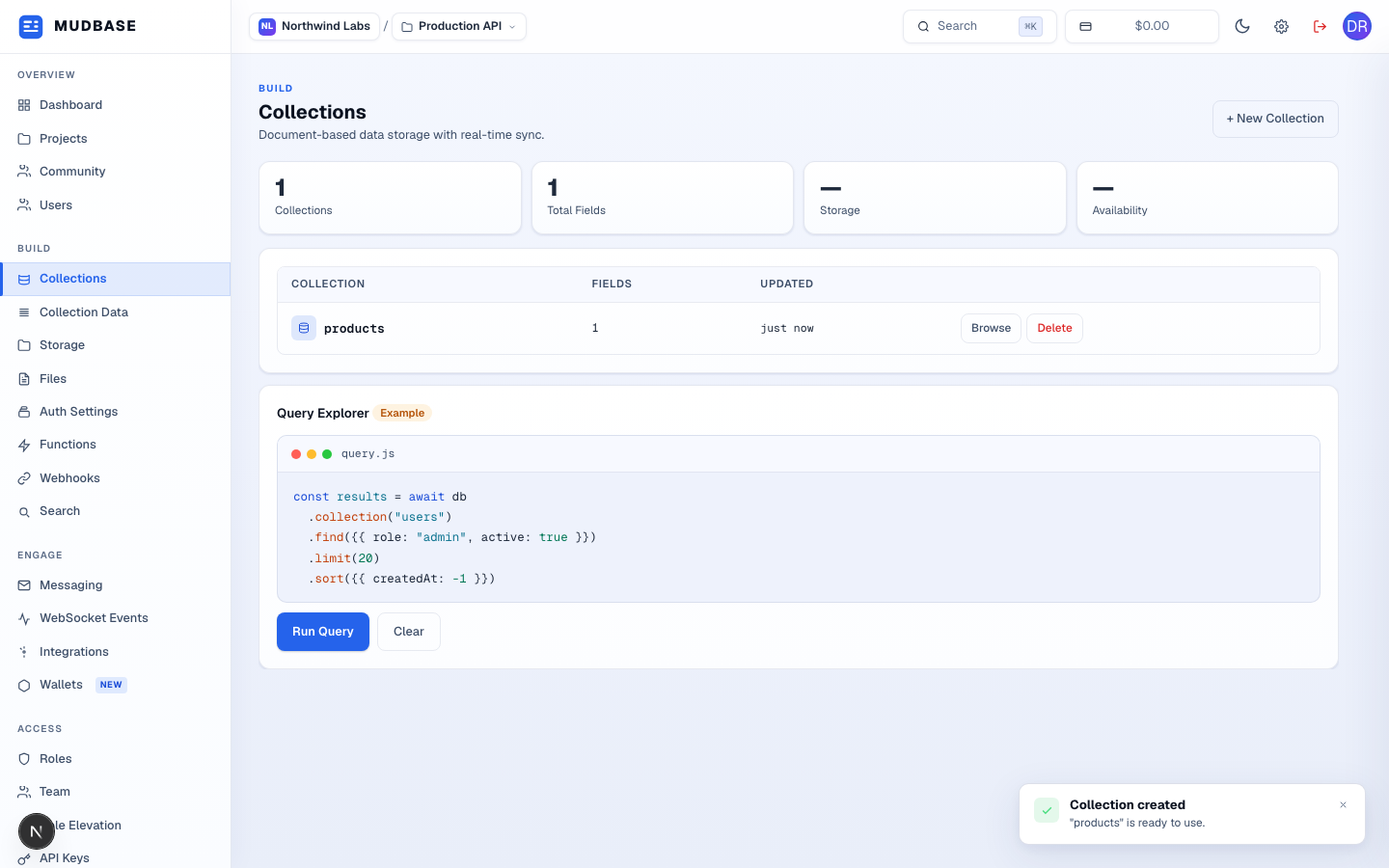
- Click Browse on any row to open its documents in Collection Data, where you can add, edit, or delete individual records.
- The Query Explorer below the table lets you test a filter/sort/ limit query against your collections before wiring the same shape into your app's API calls. Click Run Query to see live results.
javascriptquery.js
const results = await db
  .collection("users")
  .find({ role: "admin", active: true })
  .limit(20)
  .sort({ createdAt: -1 })