Console Guides
Integrations
Connect third-party HTTP APIs to a project - either from a curated template, or defined entirely by hand on the Set up Integration page - and manage the ones already configured.
Find it
Integrations is in the sidebar under the Engage group. Adding, editing, or deleting an integration requires org:update permission; anyone with project access can view the configured list and browse templates.
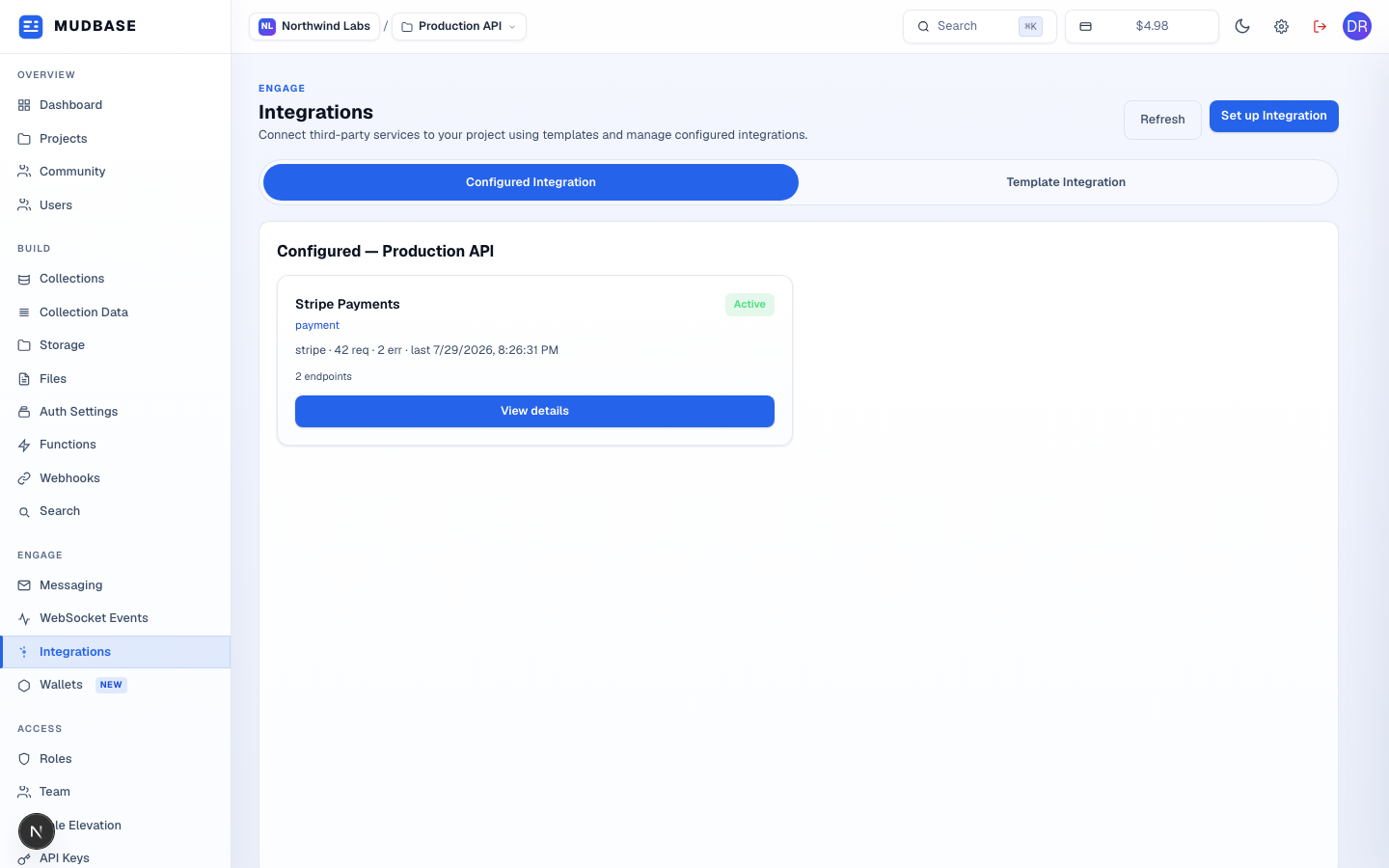
- Configured Integration lists what's already connected to the current project. Template Integration switches to a searchable catalog of provider templates (name, category, docs link) - picking one opens a modal to name it, set a slug and base URL, and optionally an API key/secret before Create.
- Opens Set up Integration, a full manual editor for connecting anything that isn't in the template catalog - base URL, auth type, rate limit, endpoints, and parameters, all hand-defined.
- Reloads the configured list for the current project.
- Name, category, provider, an
Active/Inactivebadge, lifetime request/error counts with a last-used timestamp, and the endpoint count. Click the card or View details to open Integration details.
Note
Credential values (API key, secret, tokens) are write-only from the console - the create and edit forms never redisplay a stored secret, and the API masks them as
*** in every response. There's nothing to verify here visually; it's the same one-way pattern as an API key or webhook signing secret elsewhere in the console.