Console Guides
Team
Team manages who on your own staff can access this console - separate from Users, which lists your app's end users.
Find it
Team is in the sidebar under the Access group.
Invite a teammate
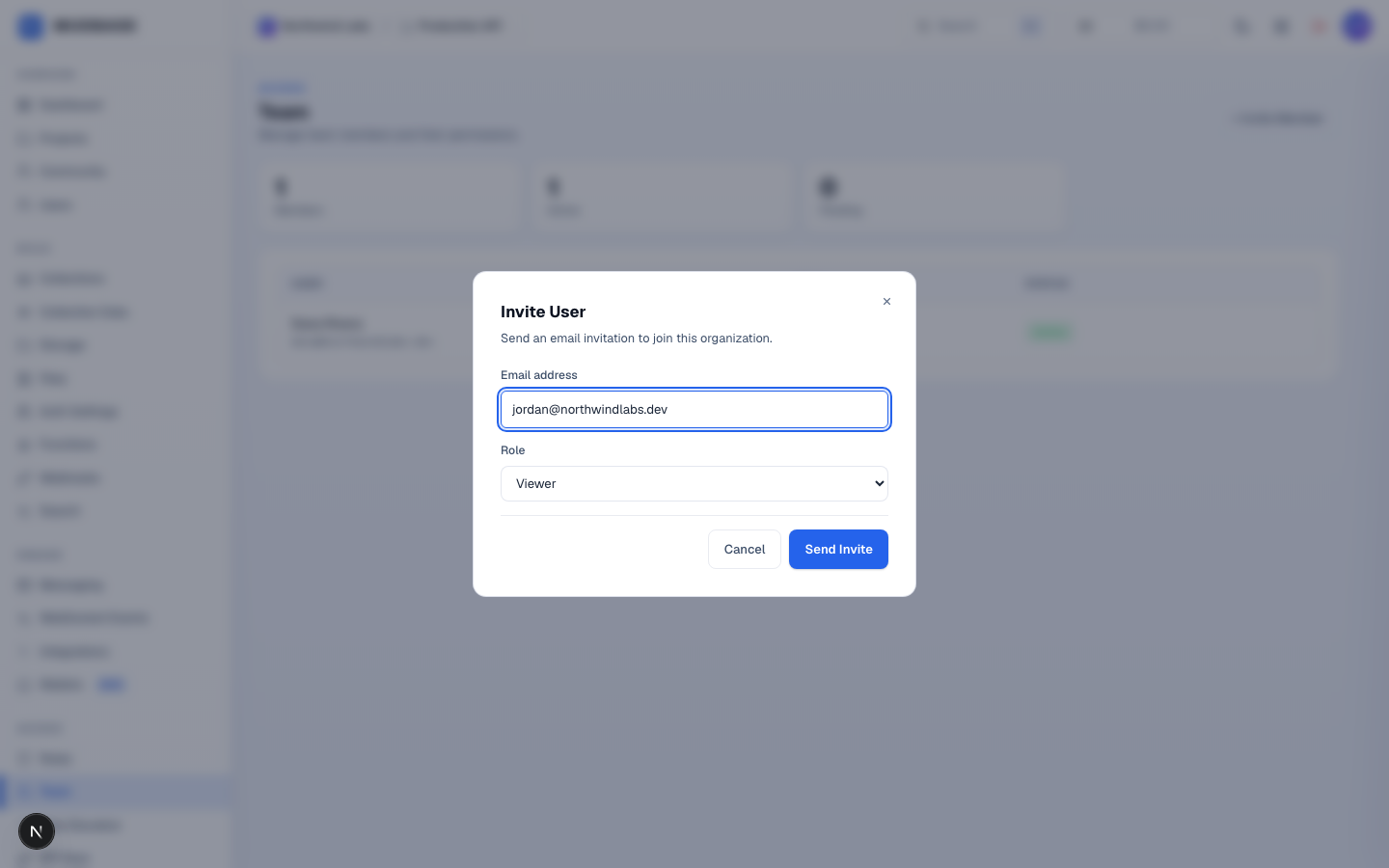
- Click + Invite Member in the top-right corner.
- Enter the email address you want to invite.
- Pick their starting role - Owner, Admin, Developer, or Viewer. You can change this later from the member list.
- Click Send Invite. They'll receive an email to accept and join the organization.
Managing existing members
The member table shows each person's role, active/suspended status, and lets you change their role from a dropdown (except the org's Owner, which can't be changed here) or suspend/remove them. The three stat cards above the table track total, active, and pending-invitation counts.
Note
Only an Owner can promote someone else to Owner or hand off ownership entirely - regular Admins cannot mint another Admin or Owner through this page.