Console Guides
Projects
A project is a fully isolated environment with its own database, auth configuration, and storage. Most organizations only ever need one, but you can create more to separate environments (staging vs. production) or products.
Find it
Projects is in the sidebar under the Overview group.
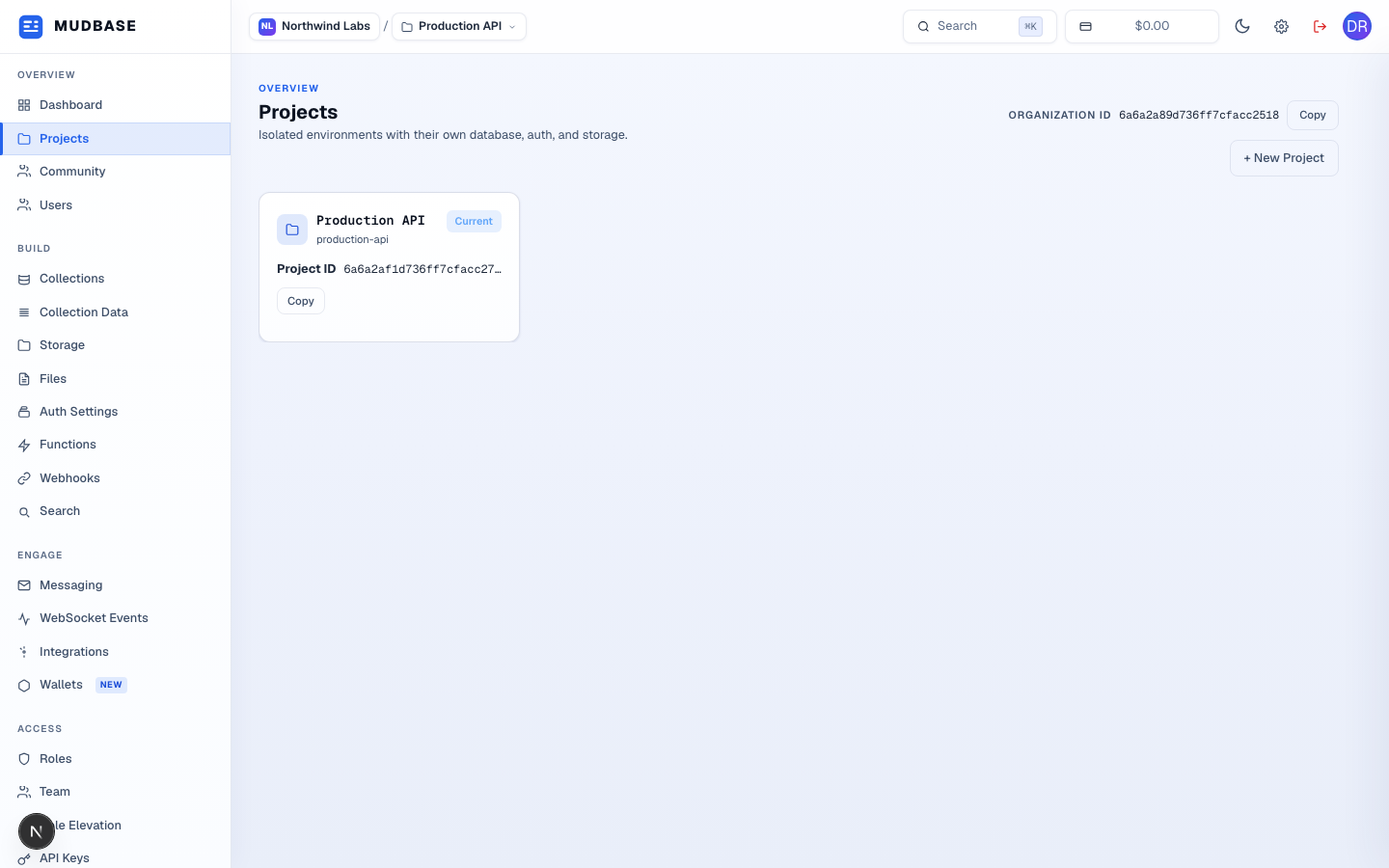
- Your Organization ID is shown at the top - needed for API calls that operate at the org level rather than a specific project.
- Click + New Project to create another isolated environment.
- Each project card shows its own Project ID - the value your SDK or API calls use to scope requests to this project. Click Copy to grab it.
Create a project
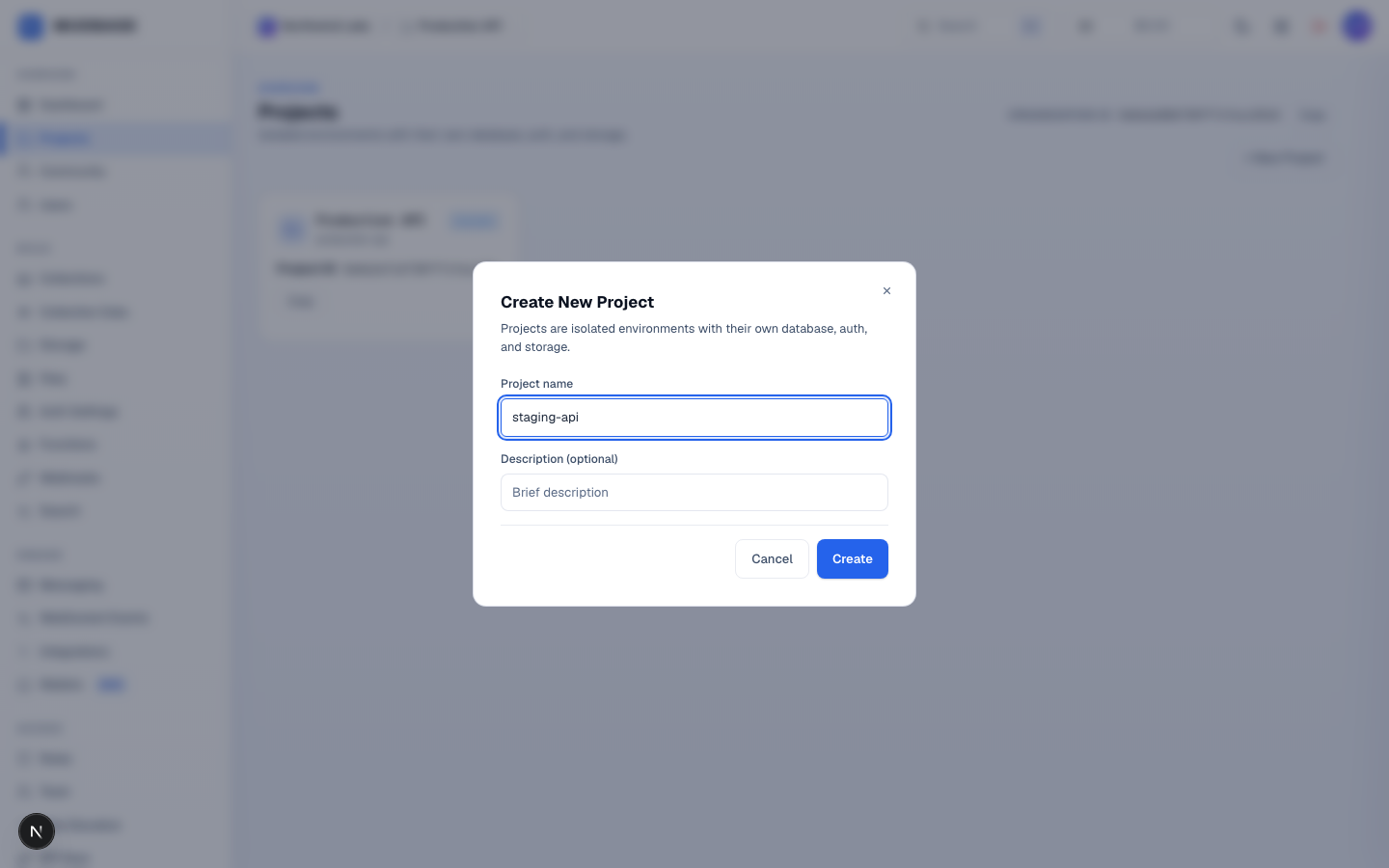
- Name the project after its purpose or environment - production, staging, mobile-app.
- An optional one-line description shown on the project card.
- Click Create. The new project becomes selected immediately.
Note
Every console page (Collections, API Keys, Auth Settings, and so on) is scoped to whichever project is selected in the top switcher - switching projects there is equivalent to switching everything below it.