Console Guides
MCP
Connect Claude Code, Claude Desktop, or any Model Context Protocol client directly to this project's database and add-ons - no custom integration code required.
Find it
MCP is in the sidebar under the Access group. It's a paid-plan feature - Free-plan orgs see an upgrade prompt instead of connection details, except during a time-boxed launch promo that opens it up temporarily.
Connection, Connect a client
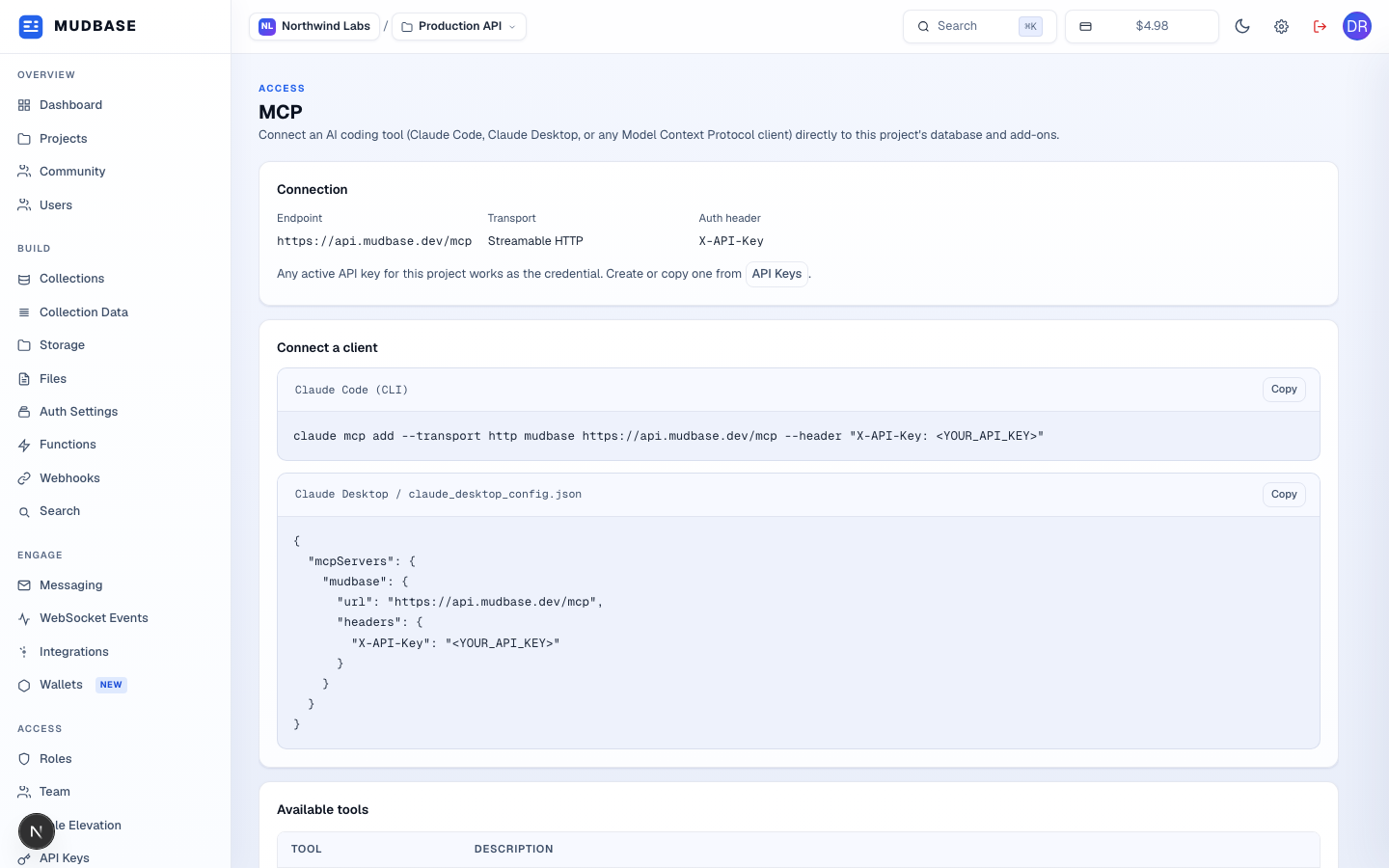
- The MCP server URL for this org (a dedicated host if you have one, otherwise the shared platform host), the transport (Streamable HTTP), and the header an MCP client authenticates with. Any active project API key works as the credential.
- Copy-ready snippets for the two most common clients: a
claude mcp addone-liner for Claude Code, and the JSON block for Claude Desktop'sclaude_desktop_config.json. Paste in your own API key where<YOUR_API_KEY>appears.
Available tools
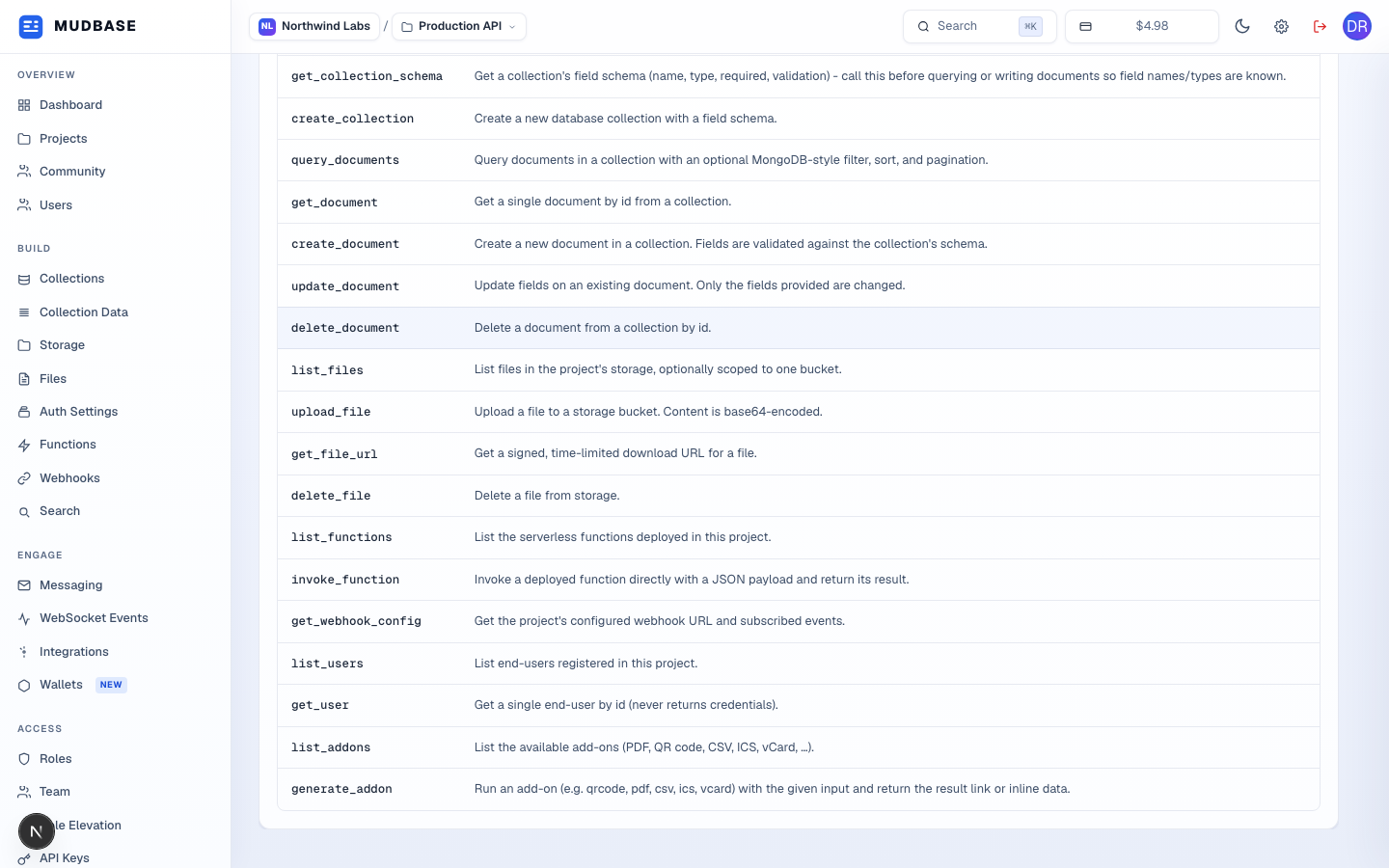
- Every tool the connected client can call, with a plain-English description of each - from schema and document CRUD to file storage, function invocation, and add-on generation. Write-capable tools are still bound by the API key's own permissions, so an MCP client can never do more than the key it authenticates with allows.
Note
MCP access is computed live from the org's current plan on every request to
GET /mcp/config - there's nothing to seed or provision. The actual MCP endpoint an AI client calls (POST /mcp) is API-key authenticated separately from this console page, which uses the normal dashboard session.