Console Guides
Webhooks
Webhooks push a notification to your own server whenever a collection document is created, updated, or deleted - one endpoint per project.
Find it
Webhooks is in the sidebar under the Build group.
Configure delivery
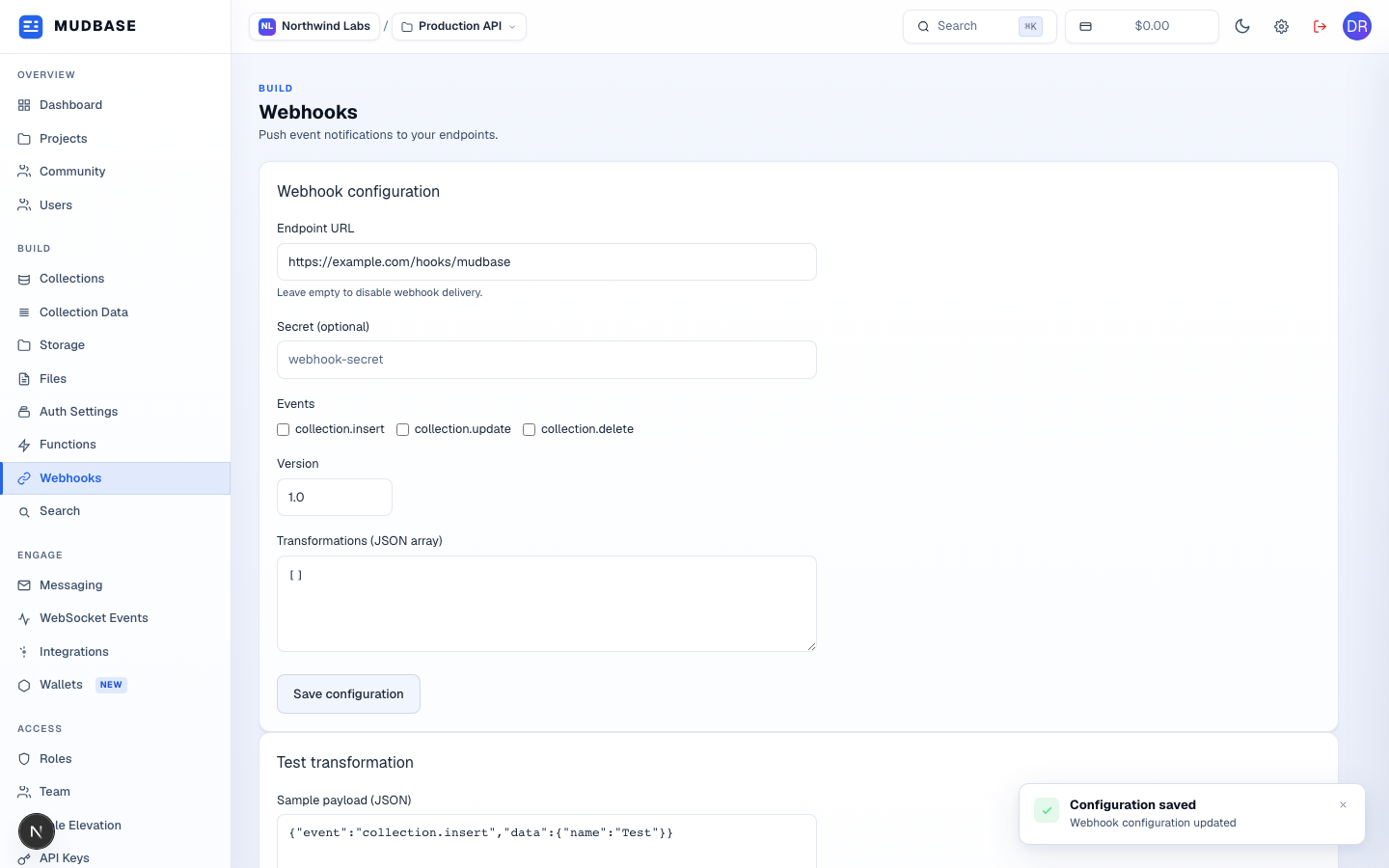
- Paste your server's endpoint URL - the HTTPS address Mudbase will POST each event to. Leave it empty to disable delivery entirely without losing your other settings.
- Tick which events should trigger a delivery -
collection.insert,collection.update,collection.delete. - Click Save configuration. The optional Secret field (above) lets your server verify each delivery really came from Mudbase.
Note
The Test transformation panel below lets you paste a sample payload and preview exactly what your configured Transformations would turn it into, before any real event fires.