Console Guides
Set Up Integration
Hand-build a custom HTTP integration from scratch - slug, provider, config, defaults, and endpoints - starting from a pre-filled Stripe-shaped example you edit or replace entirely.
Find it
There is no sidebar entry for this page - click Set up Integration on Integrations. Requires org:update permission and a selected project.
General, Config, Default settings
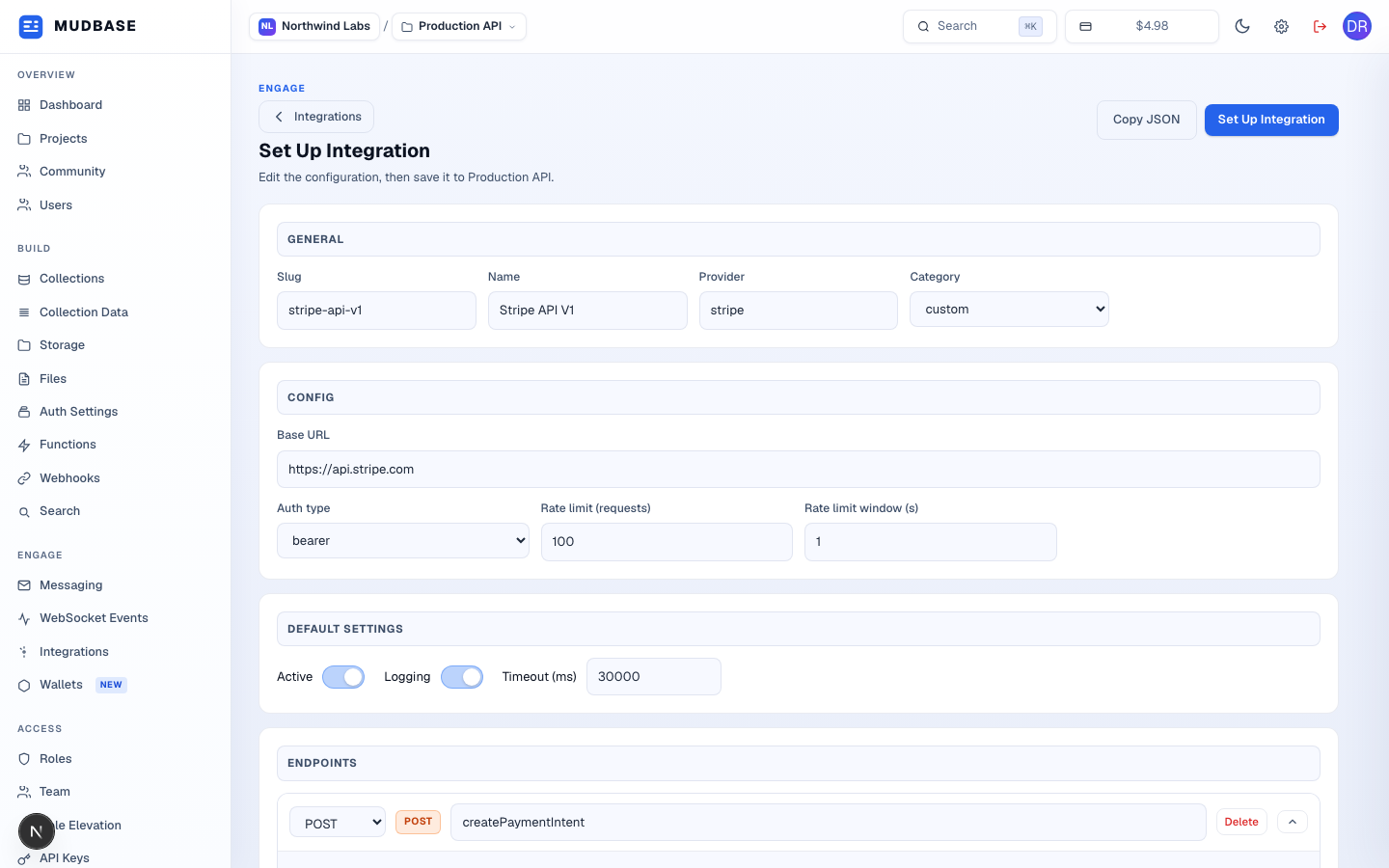
- Discards this form and returns to the Integrations list - nothing here is saved until you submit.
- Copies the current form, serialized as the same JSON shape Integration Details exports, to the clipboard.
- Submits everything below as a new integration on the current project (also available at the bottom of the page).
- Slug and Name are required; Provider is a free-text string, Category is a dropdown of the fixed category enum.
- Base URL, auth type, and a rate limit - identical fields to Integration Details' Config card, just editable pre-save here.
- Active and Logging toggles plus a request timeout in milliseconds, applied as this integration's defaults from creation.
Endpoints, Add endpoint, Submit
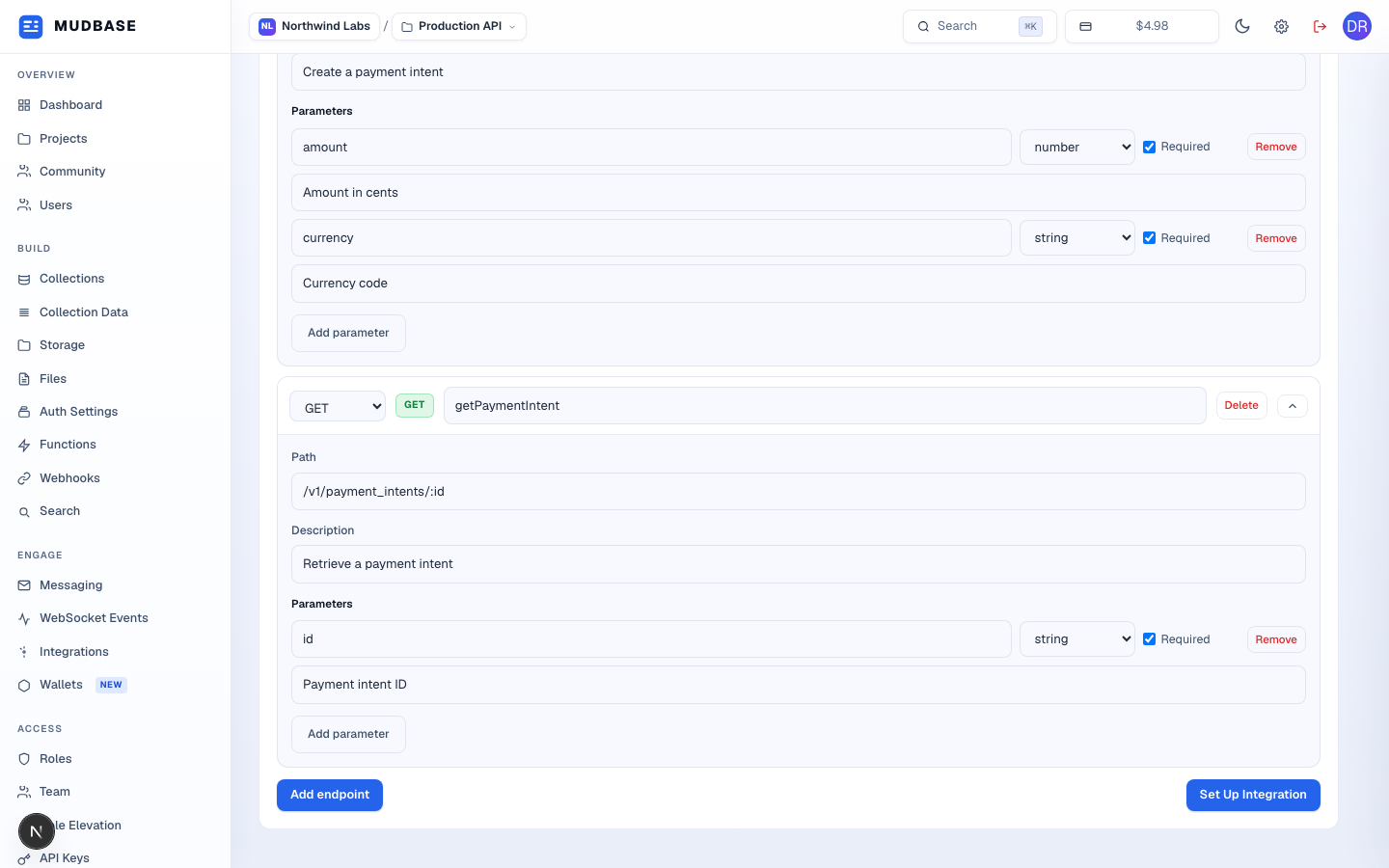
- The template's second endpoint - edit its method, path, description, and parameters, or delete it entirely.
- Appends a new blank GET endpoint below the existing ones.
- Same submit action repeated at the bottom, so a long endpoint list doesn't force scrolling back to the top.
Tip
The pre-filled Stripe example is only a starting template - change the slug, name, provider, category, and every endpoint to describe whatever HTTP API you're actually connecting. There's no requirement that the finished integration have anything to do with Stripe or payments.