Console Guides
Role Elevation
The admin queue for reviewing and approving your app's end-users when they request an elevated custom role - the counterpart to the roles you define on the Roles page.
Find it
Role Elevation is in the sidebar under the Access group.
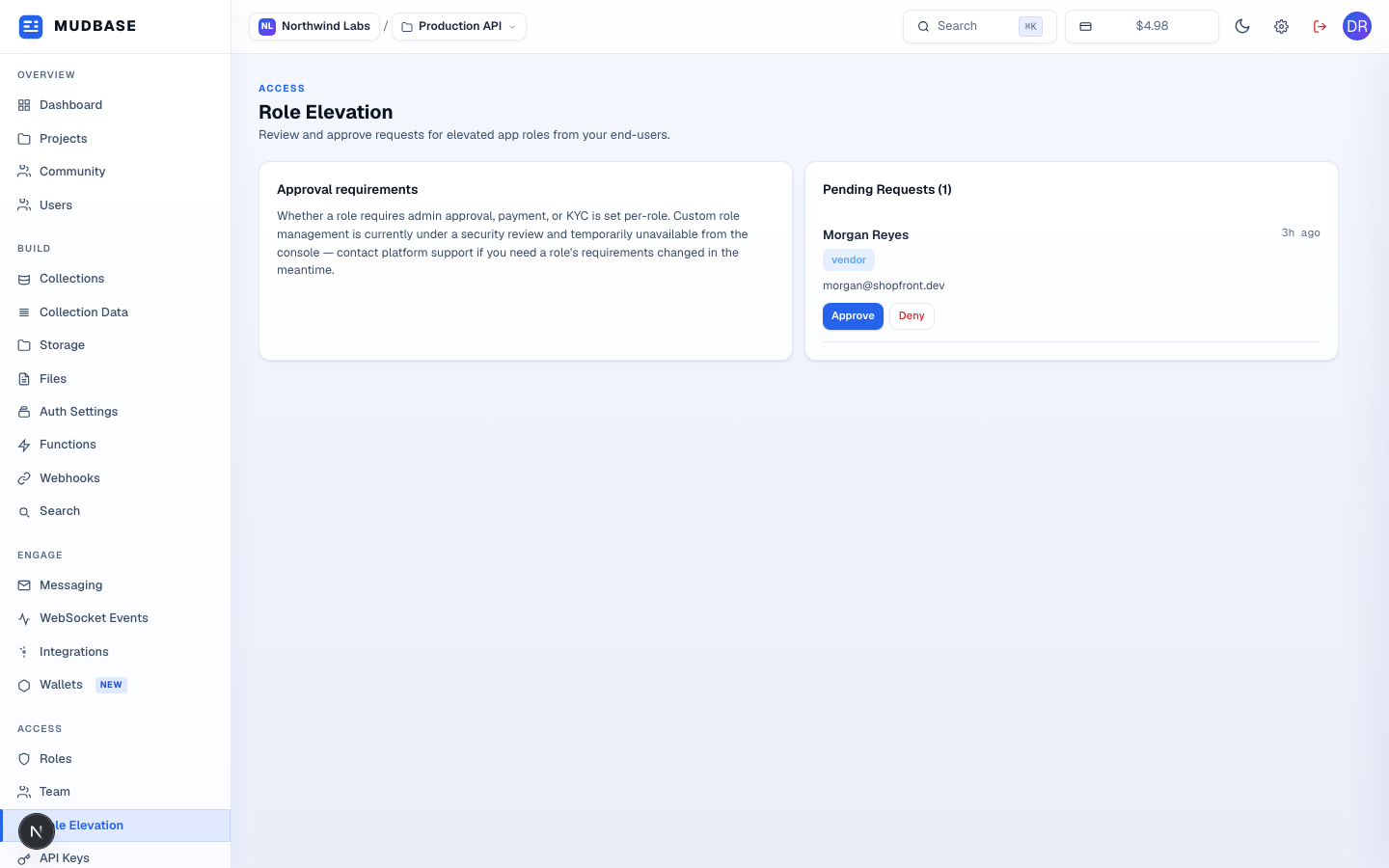
- Whether a custom role requires admin approval or payment is configured per-role when the role is created (see Roles). This build has custom role management temporarily under a security review, so this card points you to platform support to change a role's requirements in the meantime - it doesn't affect reviewing requests below.
- One entry per end-user with a request in
pendingstatus: their name and email, the target role as a badge, a relative timestamp, and - when relevant -Payment pendingbadges for roles that also require payment before admin approval alone is enough. An org with no outstanding requests shows "No pending role elevation requests" instead of an empty list. - Approve immediately grants the requested role to that user - both actions ask for confirmation first, and Deny records a rejection reason. Approved and rejected requests both drop out of this pending queue.
Note
Role elevation is for your app's own end-users (accounts created through your project's Auth) requesting a project-scoped custom role like
vendor or customer - it's unrelated to org dashboard access, which is managed on Team. A role with approvalType: "none" auto-approves instantly and never appears in this queue at all.