Console Guides
Files
The Files page opens one specific bucket at a time - upload, browse, and remove the files stored inside it.
Find it
There's no standalone sidebar link for a single bucket's files - reach this page by clicking Browse on a bucket from the Storage page, or Files in the sidebar (which opens your most recently used bucket).
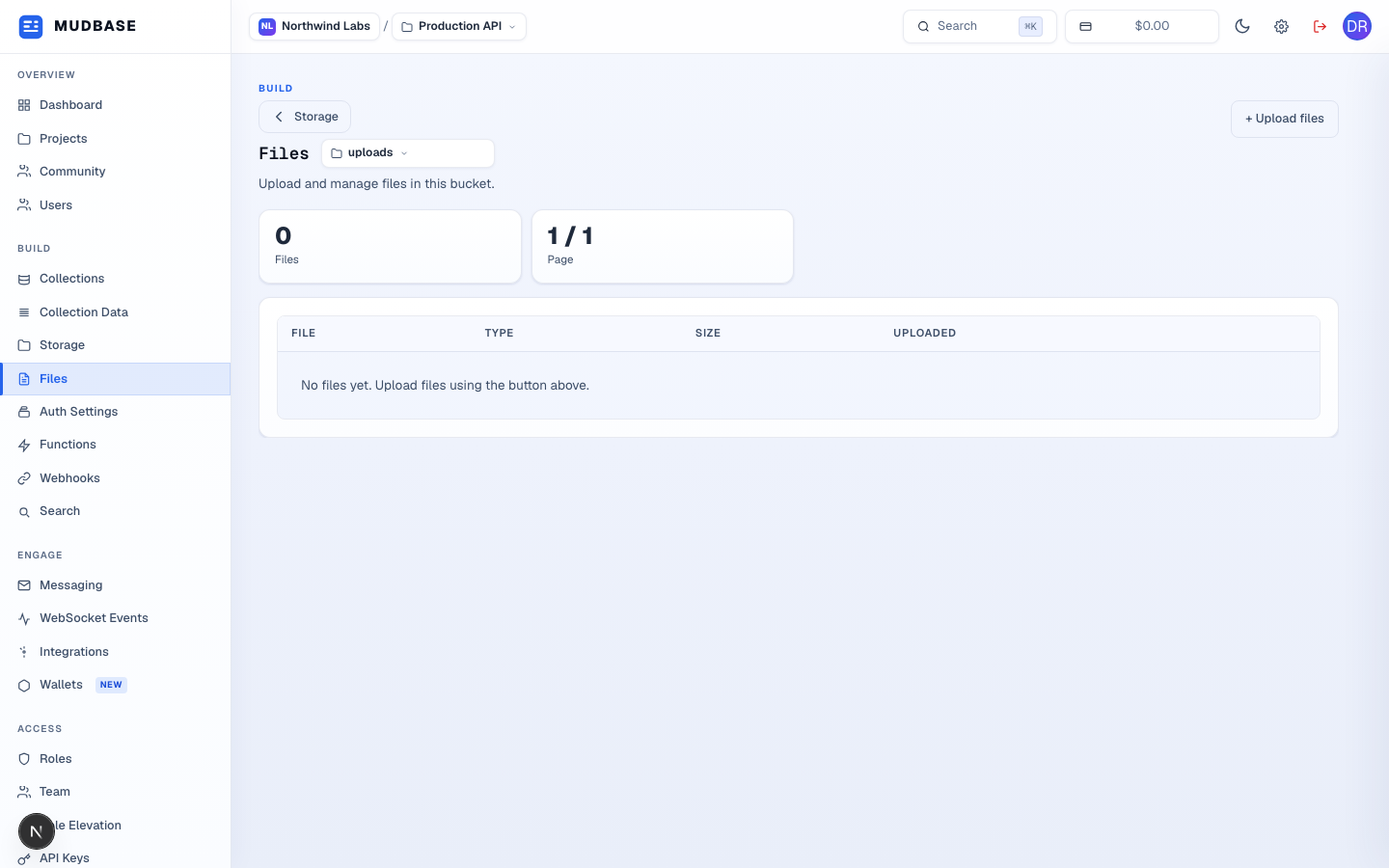
- Click the bucket-name dropdown to switch between any of the project's buckets without going back to the Storage page.
- Click + Upload files and choose one or more files from your device. Progress and the resulting file list appear in the table below.
The file table
Once files exist, each row shows the file name, its detected type, size, and upload time, with a row-level menu to copy its URL, download it, or delete it. A 1/1 Page counter and pagination controls appear once a bucket holds more files than fit on one page.