Console Guides
Search
Search runs a full-text query across one or more collections in the current project - useful for testing before wiring the same query into your app.
Find it
Search is in the sidebar under the Build group.
Run a search
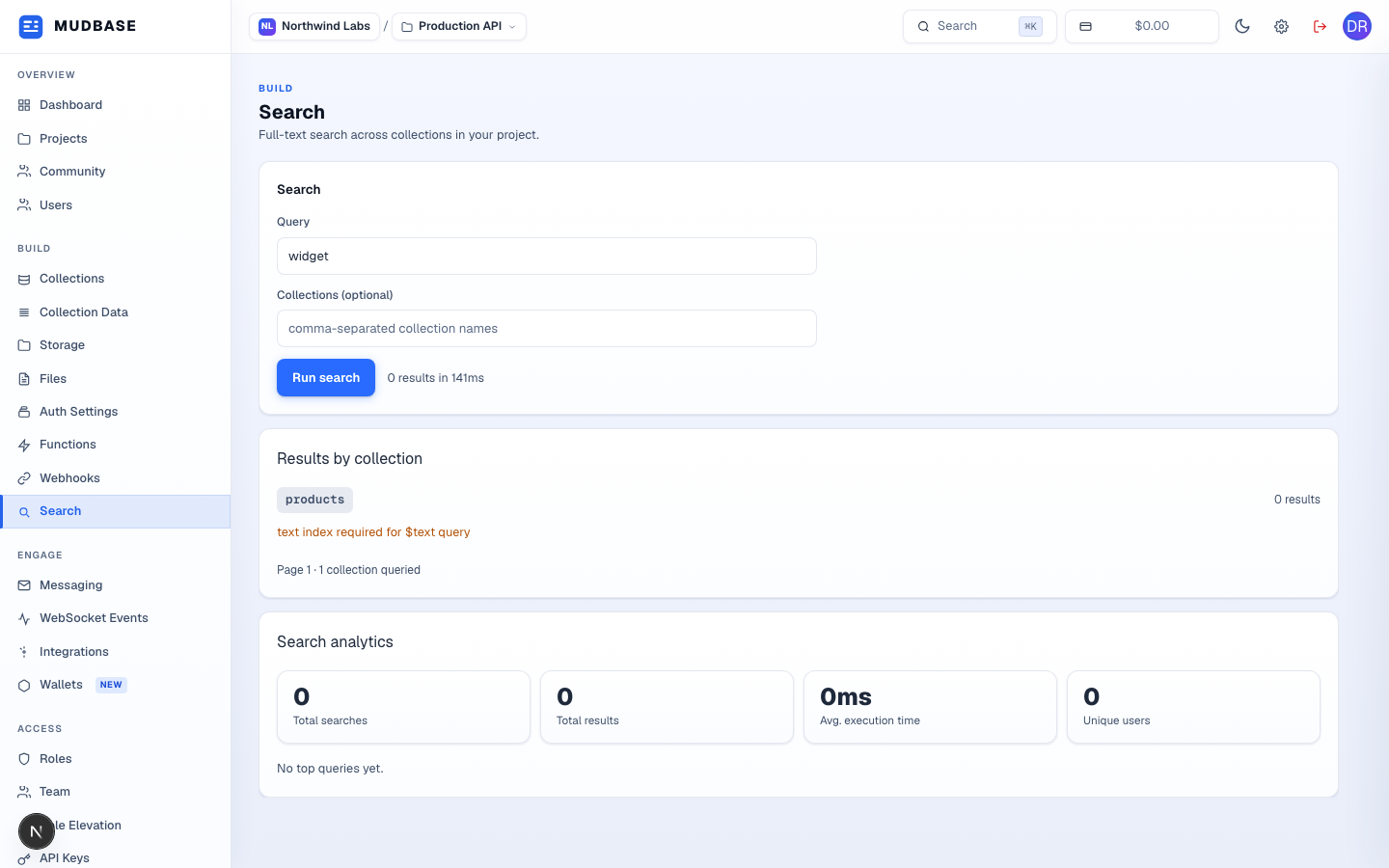
- Type the text to search for - a word, phrase, or partial match depending on your data.
- Optionally list specific collection names, comma-separated, to narrow the search. Leave empty to search every collection in the project.
- Click Run search (or press Enter in the query field).
- Results are grouped by collection. If a collection shows
text index required for $text query, that collection needs a text index created before it can be searched - see the note below. - Search analytics tracks total searches, total results returned, average execution time, and unique users - across every search run against this project, not just this session.
Warning
A collection only becomes searchable once a text index exists for it. If a result group shows
text index required for $text query, that collection hasn't had one created yet - this is expected for a brand-new collection and isn't a bug.